
DU Recorder
Video Editor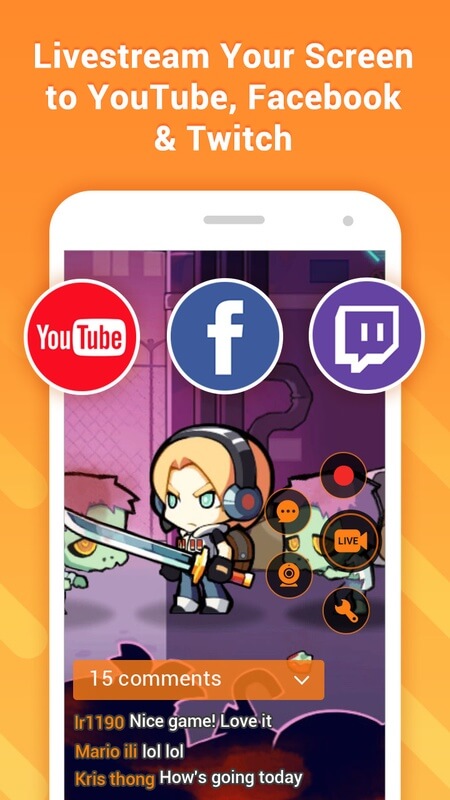
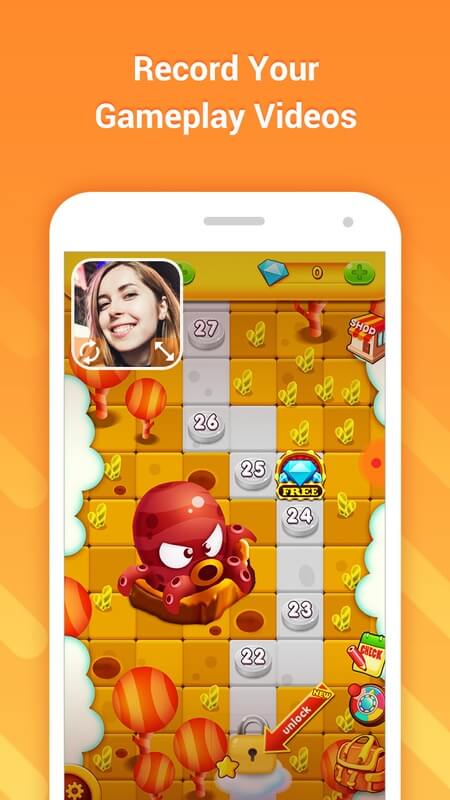
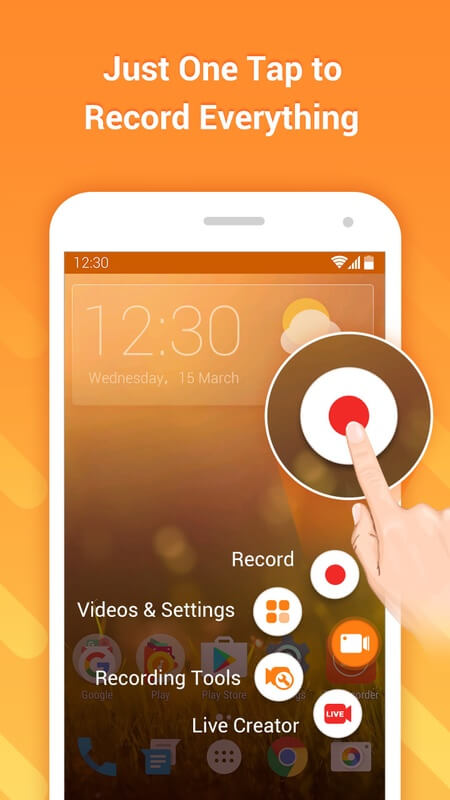

DU Recorder lets Android users capture everything that happens on their device screen. Whether you need a quick tutorial, want to share gameplay highlights, or have to document a technical issue, the app provides a straightforward way to record video and audio.
This page gives you the essential details about the latest DU Recorder release, a step‑by‑step installation guide, common troubleshooting tips, and a quick safety check. All the information is based on verified data, so you can decide if the app fits your needs.
Quick Information
| App/Game Name | DU Recorder |
| Latest Version | 2.4.8.4 |
| Developer | Not listed |
| Category | Apps / Video Editor |
| App Size | 36 MB |
| Package Name | com.duapps.recorder |
| Last Updated | 14 September 2025 |
What Is DU Recorder?
DU Recorder is a screen‑recording utility for Android. Its core functions include:
- Full‑screen video capture with adjustable resolution and frame rate.
- Option to record internal audio, microphone input, or both.
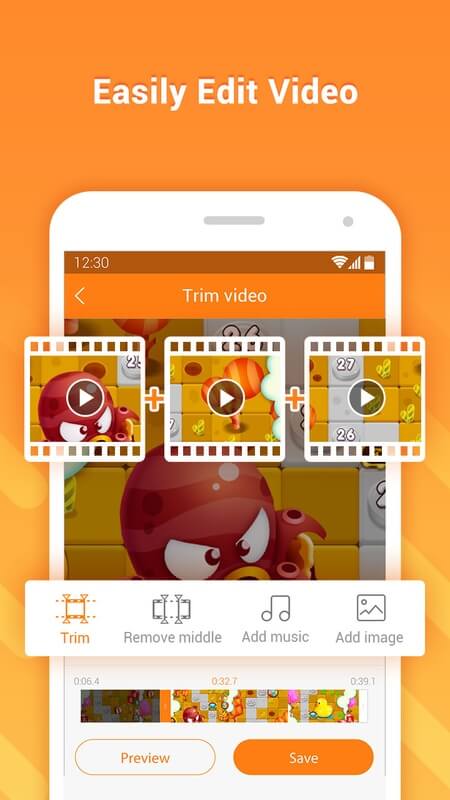
- Basic trimming tools that let you cut unwanted parts after recording.
- Support for saving videos in MP4 format, ready for sharing.
The app targets anyone who wants a simple, no‑root solution for screen capture – from educators and gamers to support technicians. It does not include advanced video editing features such as multi‑track timelines or special effects.
Compatibility
| Android Version | ✓ Verified — 5.0 and Above |
| Architecture (ARM64 / 32-bit) | Not Verified |
| Internet Connection | ✓ Verified — May be required for ads, updates, or login |
| Storage Needed | Not Verified |
| OBB/Data Files | Not Verified |
| Root Required | Not Verified |
How to Install
- Enable Install unknown apps for the browser or file manager you’ll use (Settings → Security → Install unknown apps).
- Download the DU Recorder APK file from a trusted source.
- Locate the downloaded file in your device’s Downloads folder and tap it.
- Follow the on‑screen prompts to complete the installation.
- Open the app, grant the required permissions (screen capture, audio, storage), and you’re ready to record.
Troubleshooting
- App not installed: Verify that the APK matches your device’s architecture (ARM vs. x86) and that you have enough free storage.
- Crashes on startup: Clear the app’s cache (Settings → Apps → DU Recorder → Storage → Clear cache) and try again.
- Recording stops unexpectedly: Reduce the video resolution or frame rate, and make sure no other heavy apps are running in the background.
- Audio not captured: Check that the correct audio source (mic, internal, or both) is selected in the app’s settings.
Safety & Security
DU Recorder is a standard Android package that requests permissions for screen capture, audio recording, and file storage. Before installing, make sure you download the APK from a reputable source to avoid tampered versions. Review the permission list during installation and avoid granting unnecessary access such as contacts or location if the app does not need them.
Because the app is not a modified (MOD) build, it does not contain hidden code that alters its core functionality. However, updates from unofficial sources can introduce instability, so keep a backup of important recordings and consider reinstalling from the official channel if you encounter issues.
How DU Recorder Compares
| Feature | DU Recorder | AZ Screen Recorder | Mobizen Screen Recorder |
|---|---|---|---|
| Price / Free model | Free with ads | Free with ads (premium option) | Free with ads (premium option) |
| Platform availability | Android only | Android only | Android only |
| Standout feature | Simple trim after recording | Floating widget for quick start/stop | Face‑cam overlay during recording |
| Best for | Users who need a lightweight recorder | Gamers who want fast controls | Content creators who like face‑cam integration |
Alternatives
- AZ Screen Recorder – Offers a floating control button and high‑resolution recording, popular among gamers.
- Mobizen Screen Recorder – Includes a built‑in video editor and face‑cam overlay, suitable for tutorial creators.
- Google Play Games – Provides built‑in game recording for supported titles without extra apps.
- Screen Recorder – No Root – A lightweight option focused solely on screen capture without extra editing tools.
Final Verdict
DU Recorder delivers a clean, easy‑to‑use screen‑recording experience for Android users who want basic capture and trimming without extra bells and whistles. It’s free, works on most devices, and does not require root. If you need advanced editing, face‑cam overlays, or a floating widget, you might prefer AZ Screen Recorder or Mobizen. Always download the APK from a trustworthy source and verify permissions before installing.
Frequently Asked Questions
The APK is safe when downloaded from a reputable source; it only requests screen, audio, and storage permissions needed for recording.
No, DU Recorder works on standard (non‑rooted) Android devices.
The app runs on Android 5.0 (Lollipop) and newer, though newer versions may offer better performance.
Yes, DU Recorder lets you capture internal audio, microphone input, or both, depending on your device’s capabilities.
It provides basic trimming after recording but does not offer advanced editing tools.
If you already have DU Recorder installed, the new APK will replace the old version while keeping your settings.
High resolution or frame‑rate settings can strain older devices; lowering these values usually resolves the issue.
The official build is free with ads; a paid ad‑free version is not listed for this APK.